Prompts Are Code
Most teams treat prompts as magic strings embedded in application code, then wonder why their LLM features break silently after every edit. Prompts deserve the same discipline as source code: version control, review, testing, and deployment pipelines.
The String in the Codebase
Most prompts start their lives as string literals. A developer writes a paragraph inside triple quotes, nests it in an API call, and ships it. The prompt lives alongside business logic, database queries, and configuration constants. It looks like just another string.
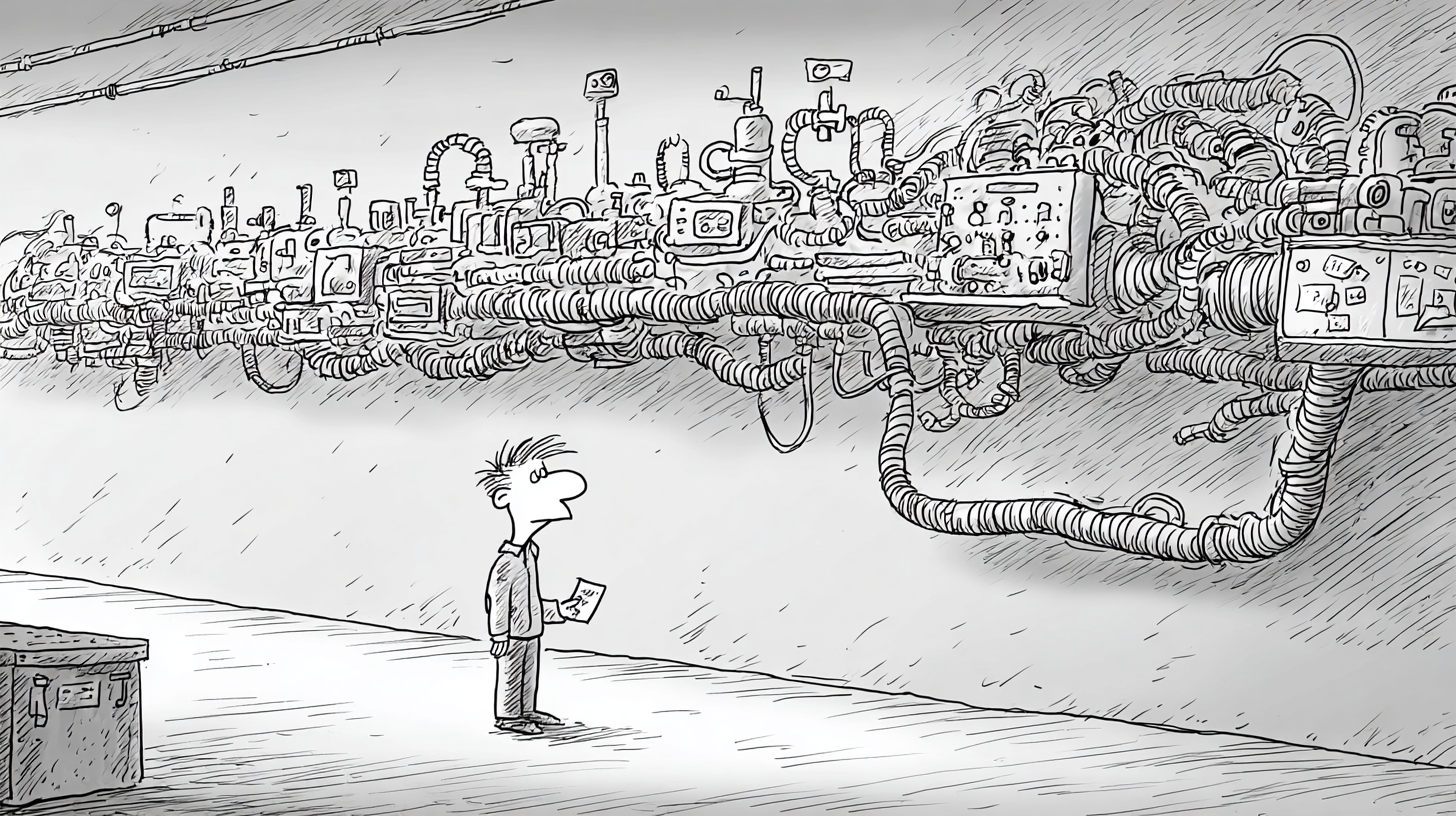
And for a while, it works. The developer tweaks a word here, adjusts a sentence there, re-runs the application, and eyeballs the output. If the result looks reasonable, the change gets committed with the rest of the code. No separate review, no focused diff, no regression check.
The problem surfaces later. An LLM feature that worked for months starts producing garbled output. The team digs through recent commits looking for the cause, but the prompt change is buried in a 400-line diff that also touched three API endpoints and a database migration. Nobody flagged it during code review because it looked like a minor string edit.
Without diff visibility, regression testing, or a rollback path, the prompt is treated as a second-class citizen in the codebase, and it behaves accordingly.
What Makes Prompts Different from Code
Code is deterministic. Given the same input, the same function produces the same output. Compilers and type systems catch entire categories of errors before the code ever runs. When something breaks, stack traces and debuggers point you to the exact line. Prompts offer none of these guarantees.
A prompt is a natural language instruction sent to a probabilistic system. The same prompt can produce different outputs on consecutive calls. There is no compiler to catch a poorly worded instruction, no type system to flag an ambiguous constraint. The feedback loop runs through a neural network with billions of parameters, and the failure mode is not an error message but subtly wrong behavior.12
Code diffs are informative. When a developer changes a function signature or rewrites a loop, the diff tells you what changed and gives strong hints about why. Prompt diffs can be misleading. Consider swapping "summarize" for "extract key points" in a prompt. The diff shows two words changed. The behavioral impact could be enormous: different output length, different structure, different information selection. A diff that looks trivial can represent a fundamental shift in model behavior.
The testing story is different too. You can unit test a function by asserting that specific inputs produce specific outputs. You cannot assert that a prompt produces an exact string, because it won't. Prompt testing requires evaluating output characteristics: format, tone, factual content, length, adherence to constraints. This is inherently fuzzier and more expensive than conventional testing.34
Version Control for Prompts
The first step is extraction. Take prompts out of application code and store them as separate files. A prompt is a distinct artifact with its own lifecycle, and it should live in its own file where changes are visible and trackable. This is the foundation of prompt engineering as a discipline.5
A practical directory structure looks like this:
prompts/
├── summarizer/
│   ├── v1.txt          # Original prompt
│   ├── v2.txt          # Added format constraints
│   ├── v3.txt          # Improved edge case handling
│   └── metadata.yaml   # Model target, temperature, description
├── classifier/
│   ├── v1.txt
│   ├── v2.txt
│   └── metadata.yaml
└── code-reviewer/
    ├── v1.txt
    └── metadata.yaml
Each prompt directory contains versioned prompt files and a metadata file. The metadata captures information that the prompt text alone cannot convey: which model the prompt targets, what temperature and sampling parameters it expects, and a plain-language description of the intended behavior.6
# metadata.yaml
name: document-summarizer
active_version: v3
model: gpt-4
temperature: 0.3
max_tokens: 500
description: |
  Summarizes documents into 3-5 bullet points.
  Preserves factual claims, omits commentary.
  Targets professional/technical audiences.
Git gives you everything else for free. Every change to every prompt is tracked with a timestamp, an author, and a commit message. You can diff any two versions, blame any line, and revert to any prior state. The infrastructure already exists. Prompts just need to be placed where it can reach them.7
Prompt Diffs and Review
Once prompts are separate files, they show up in pull requests as their own diffs. This is the point. A reviewer can now see exactly what changed in a prompt without scrolling through unrelated code changes.
But a prompt diff alone is not enough. Consider this change:
--- prompts/summarizer/v2.txt
+++ prompts/summarizer/v3.txt
@@ -1,5 +1,5 @@
 You are a document summarizer.
-Summarize the following document in 3-5 bullet points.
+Extract the key factual claims from the following document
+and present them as 3-5 bullet points.
 Each bullet should be one sentence.
 Do not include opinions or commentary.
The diff shows a one-line change. The behavioral impact is significant. "Summarize" produces a condensed overview that may include thematic observations. "Extract the key factual claims" filters aggressively for verifiable statements. The output for any given document could look completely different, and neither version is wrong. They serve different purposes.89
A good prompt review process requires more than the diff. It requires context. Every prompt change should be accompanied by: a description of what changed and why, example outputs from before and after the change, and evaluation results showing how the change affected target metrics. Teams that treat prompt changes like any other code change, reviewing the diff and approving, miss the behavioral dimension entirely.10
Prompt Changelogs
A prompt changelog documents behavioral changes, not textual ones. Where a code changelog might read "refactored loop to use map," a prompt changelog should read:
## v3 (2025-01-15)
Changed: "Summarize" -> "Extract key factual claims"
Reason:  Users reported summaries included too much interpretation
Impact: Output is now more factual, less narrative
Eval:   Factual accuracy +12%, readability -4% (acceptable tradeoff)
This level of documentation sounds expensive. It is far less expensive than debugging a production prompt regression three weeks after the change was made, when nobody remembers what the prompt used to say or why it was changed.
Regression Testing Prompts
A prompt test suite is a set of inputs paired with expected output characteristics. Not exact string matches, because the model will never produce the same string twice, but verifiable properties of the output.
A concrete test case looks like this:
# test_cases/summarizer/case_001.yaml
input: |
  The Federal Reserve raised interest rates by 25 basis
  points on Wednesday, bringing the target range to
  5.25%-5.50%, the highest level in 22 years...

assertions:
  format:
    - output contains between 3 and 5 bullet points
    - each bullet is one sentence
    - no bullet exceeds 30 words
  content:
    - mentions "Federal Reserve" or "Fed"
    - mentions "25 basis points" or "0.25%"
    - mentions the rate range "5.25%-5.50%"
  constraints:
    - no first-person language
    - no speculative or opinion statements
    - no phrases like "in conclusion" or "overall"
The assertions fall into three categories. Format checks verify structural compliance: bullet count, sentence length, markdown formatting. Content checks verify that critical information survives the summarization. Constraint checks verify that the model respects the boundaries set in the prompt.11
Running the suite means calling the model with each test input, then evaluating the output against its assertions. Some assertions can be checked programmatically (bullet count, word count, regex matches). Others require an LLM-as-judge approach, where a second model evaluates whether the output meets a qualitative criterion like "no speculative statements."1213
The key workflow is comparative. Run the suite with the current prompt, then run it with the proposed change. Compare the results side by side. Did the change improve the target behavior without regressing others? If the new prompt scores higher on factual accuracy but starts violating format constraints, you have a regression, even if the primary goal was achieved.
Evaluation Results: summarizer v2 vs v3
............................................................
Metric                  v2        v3        Delta
............................................................
Format compliance       94%       91%       -3%
Factual accuracy        78%       90%       +12%
Constraint adherence    96%       95%       -1%
Avg response length     87 tok    72 tok    -15 tok
............................................................
Verdict: Pass (primary metric improved, regressions within tolerance)
Without this comparison, prompt changes are guesswork. With it, they are engineering decisions backed by data.14
The Prompt Development Workflow
Putting these pieces together, a mature prompt development workflow looks like a software development pipeline. The stages are familiar; the artifacts are different.15
The edit stage is straightforward: create a new version file in the prompt directory, update the metadata, and write a changelog entry. The test stage runs the evaluation suite and produces a comparison report. Both happen locally or in CI before any code review.
The review stage is where discipline matters most. A prompt PR should include three things: the text diff, the behavioral changelog, and the evaluation comparison. Reviewers should be looking at all three. A diff that looks clean but produces a 15% regression in format compliance should not be merged.
Staging and canary deployments address the gap between offline evaluation and production behavior. Offline test suites, no matter how comprehensive, cannot capture the full distribution of real user inputs. Shadow traffic testing runs the new prompt against real requests without serving the results to users. Canary deployment routes a small percentage of traffic to the new prompt and compares live metrics. If the canary shows degradation, the rollback is a one-line change: revert active_version in the metadata file.161718
A/B testing takes this further. Run two prompt versions simultaneously, split traffic between them, and measure which performs better on your target metrics. This is standard practice for UI changes and feature flags. Prompts are no different.19
Closing
Prompts are the interface between your system and an unpredictable model. They translate intent into behavior across a probabilistic boundary. Every other interface in software engineering, APIs, protocols, configuration schemas, is subject to version control, testing, and review. Prompts should be no different.20
The tooling is not exotic. Git tracks changes, YAML stores metadata, test suites compare before-and-after behavior, CI pipelines automate evaluation, and feature flags enable canary deployments. Every piece of this workflow already exists in most engineering organizations. The only missing ingredient is the decision to treat prompts as first-class engineering artifacts rather than strings someone typed into a code file.
Version, test, and review your prompts, then deploy them with the same care you deploy code.
They are code.21
References
- Brown, T., et al. "Language Models are Few-Shot Learners." NeurIPS, 2020.
- DAIR.AI. "Prompt Engineering Guide." 2023.
- Zheng, L., et al. "Judging LLM-as-a-Judge with MT-Bench and Chatbot Arena." arXiv, 2023.
- Fowler, M. "Continuous Integration." 2006.
- Humble, J. & Farley, D. "Continuous Delivery: Reliable Software Releases through Build, Test, and Deployment Automation." Addison-Wesley, 2010.
- Perez, E., et al. "Red Teaming Language Models with Language Models." arXiv, 2022.
Further Reading
- Jurafsky, Daniel & James H. Martin. "Speech and Language Processing," 3rd ed. (draft). Chapters 7 (prompting, conditional generation, temperature) and 10 (in-context learning, fine-tuning).
- Widdows, Dominic & Trevor Cohen. "Large Language Models: How They Work and Why They Matter." SemanticVectors Publishing, 2025. Chapters 1, 4-7.
- Alammar, Jay & Maarten Grootendorst. "Hands-On Large Language Models." O'Reilly Media, 2024. Chapter 6.
- Raschka, Sebastian. "Build a Large Language Model (From Scratch)." Manning, 2024. Chapter 7.
- Extended grounding notes for all citations: Sources.